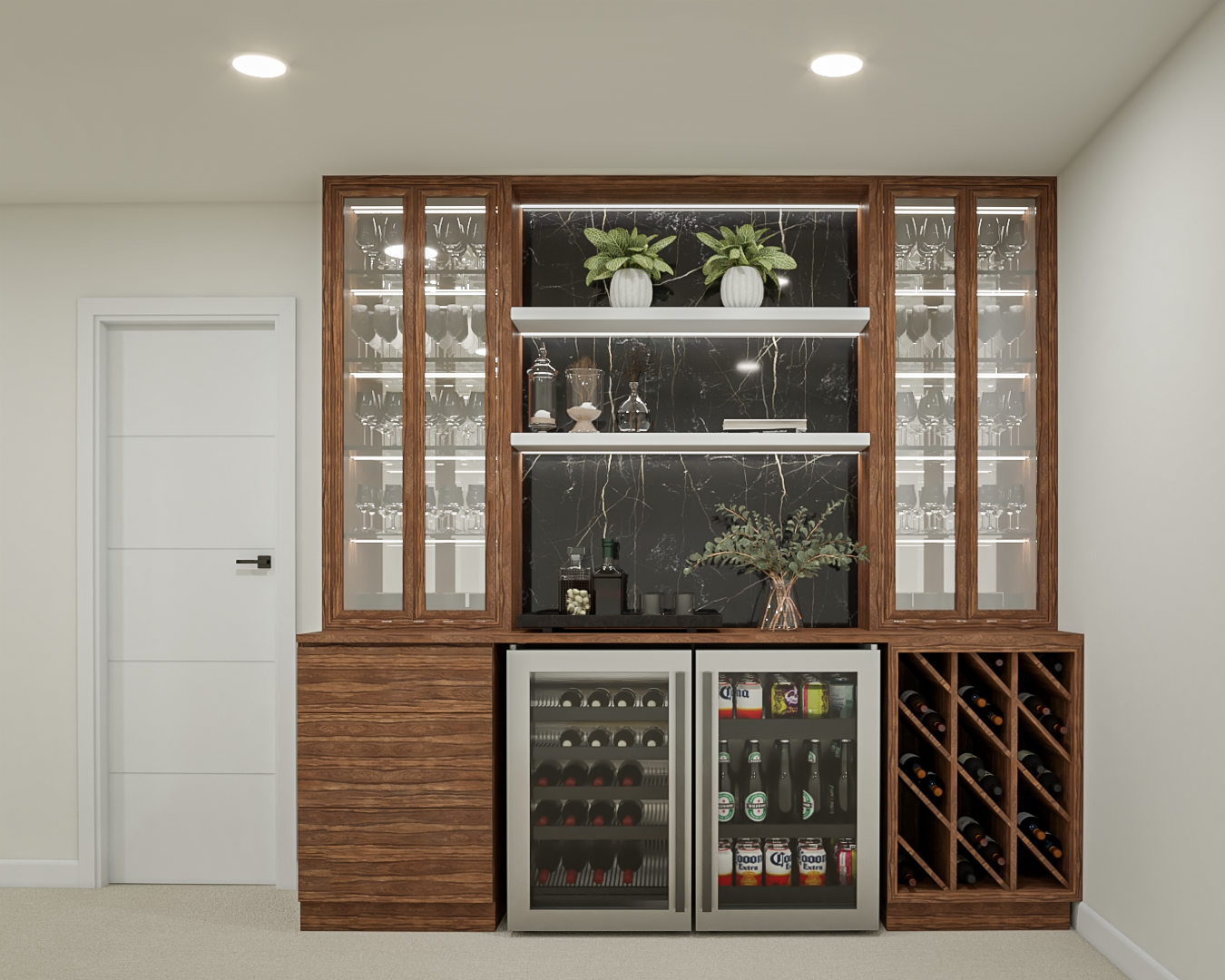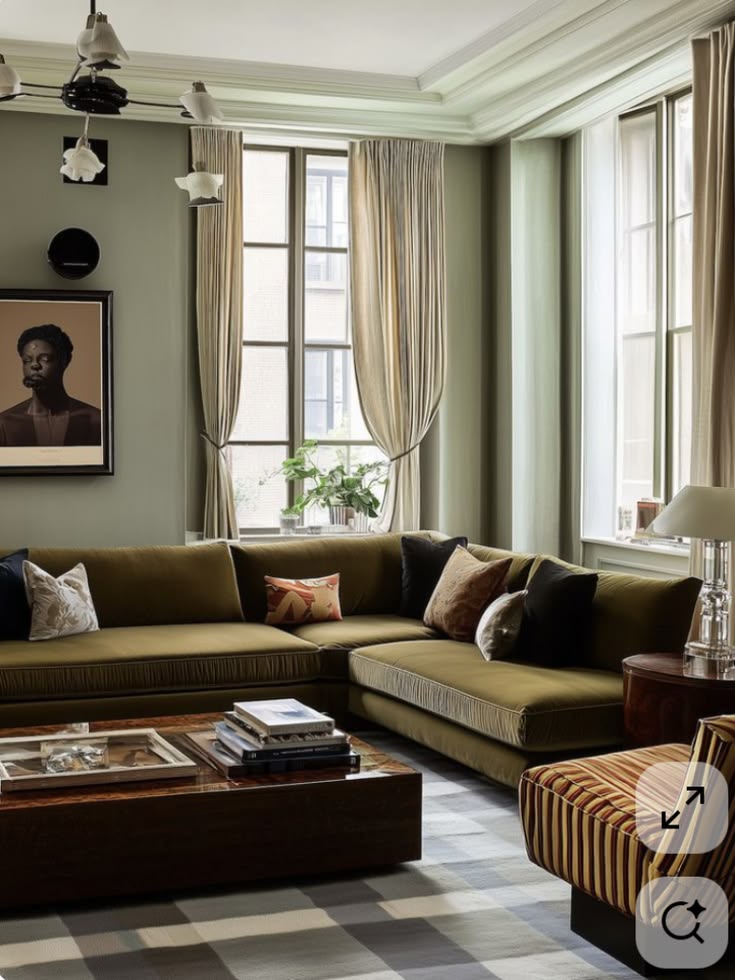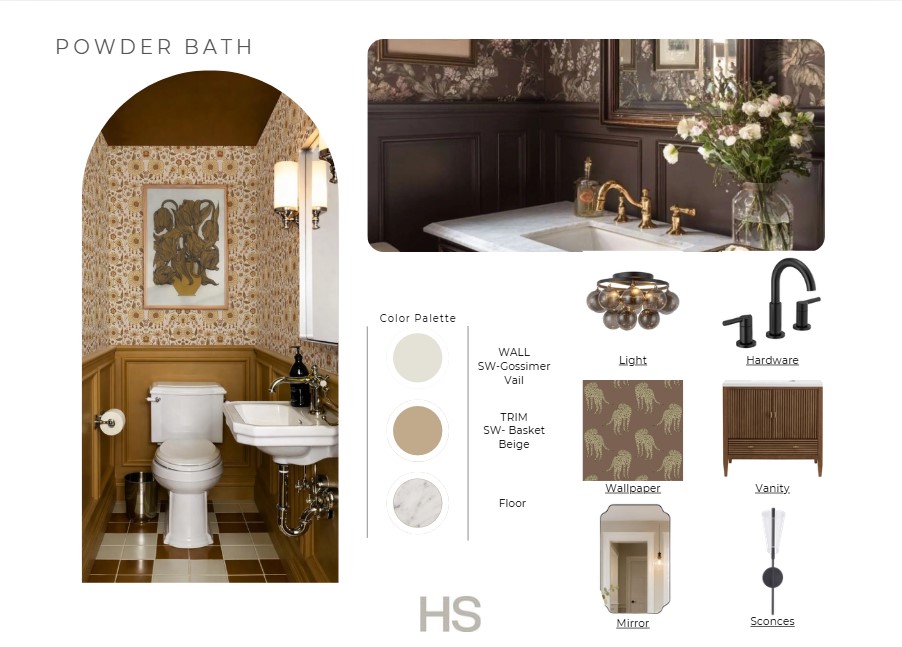
A moodboard can do much more than make a room look pretty. It can help communicate a design direction, organize selections, inspire a client, or simply help a designer figure out what they want a space to feel like.
There are a lot of different tools available for creating moodboards, and each one has its own strengths. As an interior designer, I find myself switching between a few different platforms depending on the project, the audience, and how polished the final presentation needs to be.
Here are three of my go-to tools and when I would use each one.
Pinterest Shuffles: For Creativity, Inspiration & Personal Projects
If you're looking for something casual, creative, and fun, Pinterest Shuffles is one of my favorites.
Shuffles connects directly to Pinterest, which makes it incredibly convenient when you're already using Pinterest as your primary source of inspiration. You can pull images from your saved pins, cut out individual objects or pieces from an image, layer them together, and create a collage without needing to start from scratch.
I especially like using Shuffles for:
- Personal design projects
- Vision boards
- Early brainstorming
- Social media content
- Experimenting with color palettes or combinations
- Creating a quick visual direction before a project is fully developed
The biggest advantage is that it feels very freeform. You're not necessarily trying to create a perfectly organized presentation. You're experimenting with ideas and seeing what works together.
I might pull a sofa from one image, a lamp from another, a paint color from a third, and a piece of artwork from somewhere else and quickly layer them together. It makes it easy to play with an idea before committing to a more formal design.
Think of Shuffles as the sketchbook of moodboards.
Canva: For Organized Client Presentations
When I need something that feels polished and professional but doesn't require an extremely specialized design program, I turn to Canva.
Canva is especially useful for typical client presentations because it combines moodboards with organization. You can create multiple pages within one document, which makes it easy to build an entire presentation rather than just a single moodboard.
A client presentation might include:
- Overall design concept
- Moodboard
- Color palette
- Furniture selections
- Finish selections
- Budget information
- Product links
- Room-by-room selections
- Notes for the client or contractor
There are also countless templates that can help with presentations, budgets, schedules, and other organizational pieces.
The final result can still look beautiful and intentional without feeling overly formal.
I tend to use Canva when the priority is clear communication and organization. It works especially well when a client or contractor needs to easily understand what we're proposing and how all of the pieces fit together.
Think of Canva as the organized presentation binder.
Mattoboard: For High-End, Detailed Design Presentations
When I want a moodboard to feel more like a finished piece of interior design, Mattoboard is one of my favorite tools.
Mattoboard is built specifically around interior design and allows you to create 3D moodboards and material boards using real products and materials. Its library includes thousands of real-world products, finishes, paints, fabrics, furnishings, and other materials that can be incorporated directly into your boards.
One of my favorite features is the way materials are presented with realistic light, shadow, texture, and depth. Instead of looking like a flat collage of product images, the materials can feel much more dimensional and true to life.
It's also incredibly useful when you need to move from inspiration into actual specification. Mattoboard can generate material sheets from the products you've curated, including product information and links, which makes the board useful beyond the initial presentation.
This makes Mattoboard especially useful for:
- Portfolio and website imagery
- Design competitions and innovative presentations
- Projects where you want the moodboard to feel highly refined
- Quickly moving from a design concept into actual product specifications
For me, this is where Mattoboard really stands apart. You're not just creating a pretty composition—you can visualize, curate, and specify real products within the same workflow.
Think of Mattoboard as the editorial, design-forward version of a moodboard.
So Which One Should You Use?
There really isn't one “best” moodboard software. I think of these programs as tools for different moments in the design process.
Pinterest Shuffles → “What if we tried this?”
Best for experimenting, brainstorming, personal projects, vision boards, and casual creative work.
Canva → “Here's the plan.”
Best for organized client presentations, contractor information, budgets, selections, and keeping a project visually cohesive.
Mattoboard → “Here's the vision.”
Best for high-end presentations, detailed material selections, portfolio imagery, and creating something that feels like a piece of art.
The software is just the tool. The real goal is finding the right way to communicate the feeling, function, and story behind a space.